Track Accounts &
Transactions
Monitor all your accounts and every transaction in one place.

AI expense analysis, receipt scanning, voice entry, and budget insights — all in one beautifully simple app.
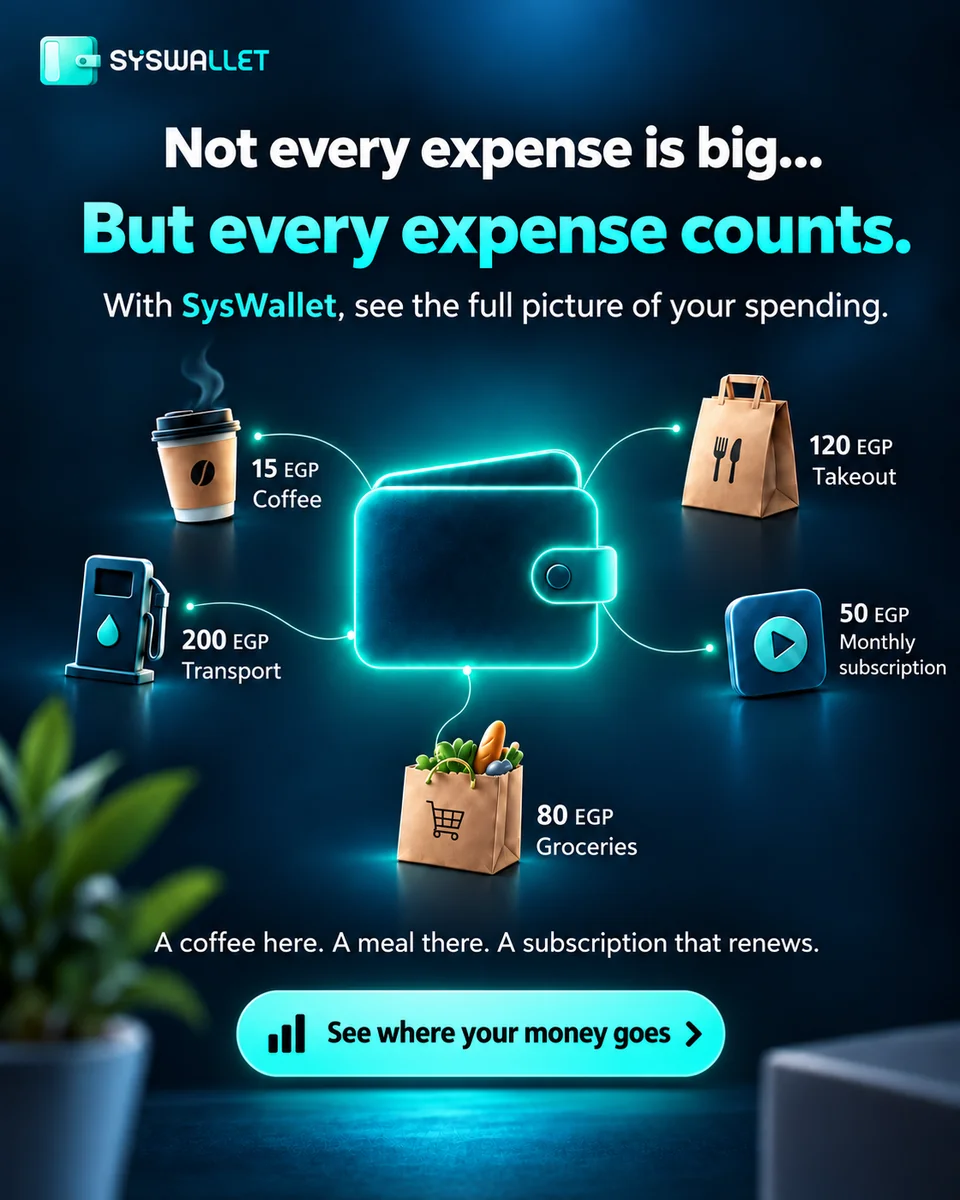
Promotional illustration. Expense amounts are examples only.
Monitor all your accounts and every transaction in one place.
Plan recurring payments and installments, with due-date reminders where enabled.
Scan a receipt, review the extracted details, and confirm before saving.
Describe a transaction by voice, including Egyptian Arabic, then review before saving.
Get intelligent breakdowns and savings opportunities.
Track category budgets and see spending pace and daily allowance estimates based on your recorded activity.
Record transfers between your accounts in the same currency. SysWallet does not move money.
Explore without signing up. Sign in for AI and cloud features, subject to your plan limits.
Split a bill by item, review each person’s share, and share the summary. No payment processing.
Keep records in supported currencies, with the currency shown for each account and transaction.
SysWallet keeps getting more practical, with smoother guest access, smarter reminders, and cleaner ways to review real-world spending.
Review supported bank notifications on Android and check the details before confirming a transaction.
Plan bills and recurring payments with timely reminders before important dates arrive.
Keep receipts and financial documents close to the transactions they explain.
Explore guest mode without in-app ads. Sign in when you need cloud-connected features.
Organize upcoming payments and use receipt scanning to enter details more easily, with a review before saving.

Organize bills, subscriptions and installments, and track due dates with reminders where enabled.
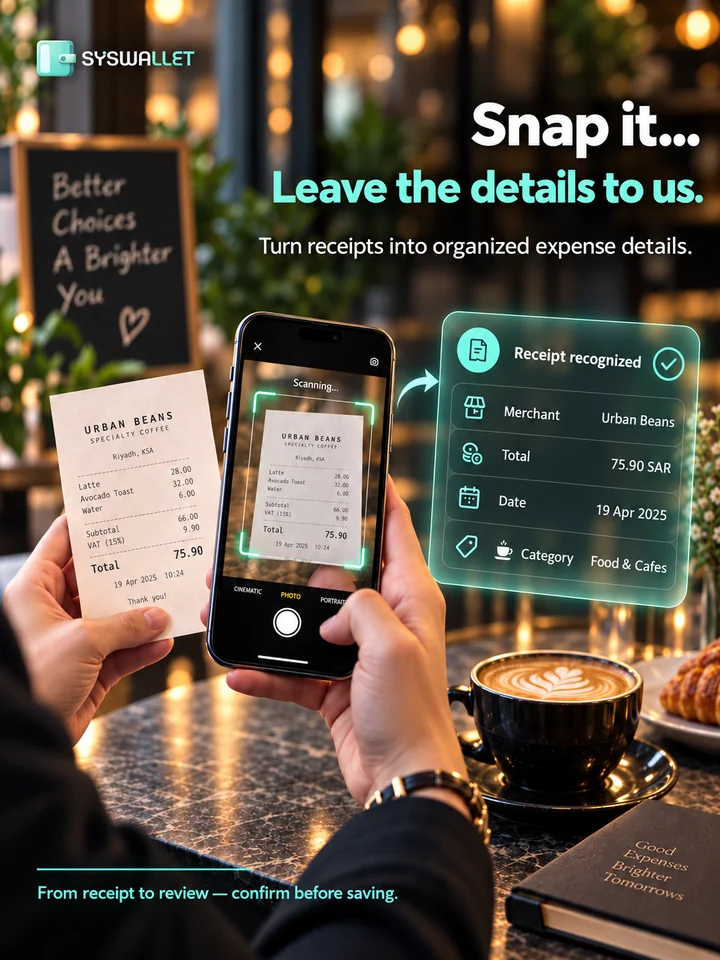
Review the extracted amount, date, account and category, correct anything needed, then confirm the save yourself.
Promotional illustrations, not actual app screenshots. Screens and amounts are examples; appearance may vary by release. Extracting receipt details does not automatically save a transaction.
Manually, by voice, or by scanning a receipt — pick your way.
Set up accounts, planned payments, and category budgets.
Review intelligent analysis, spending alerts, and savings tips.
Track trends over time and make smarter financial decisions.
View current app screenshots on Google Play
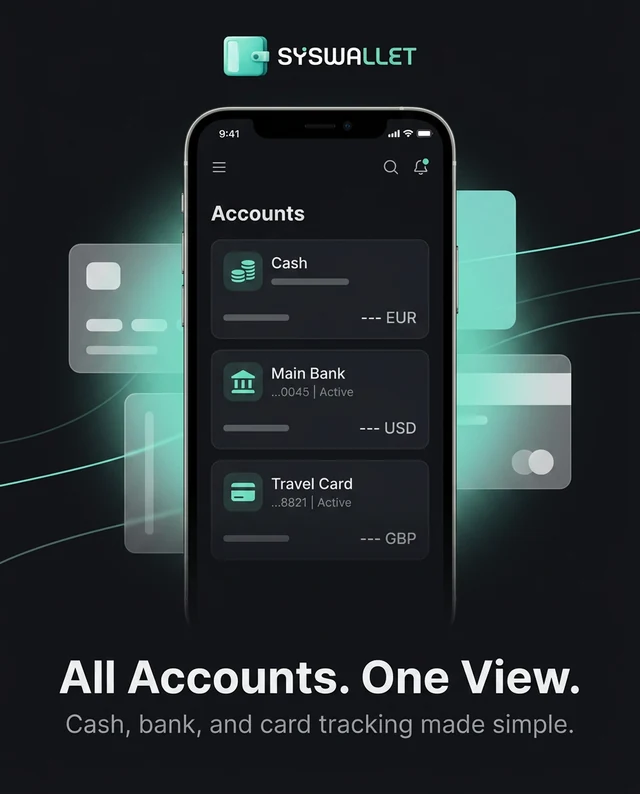
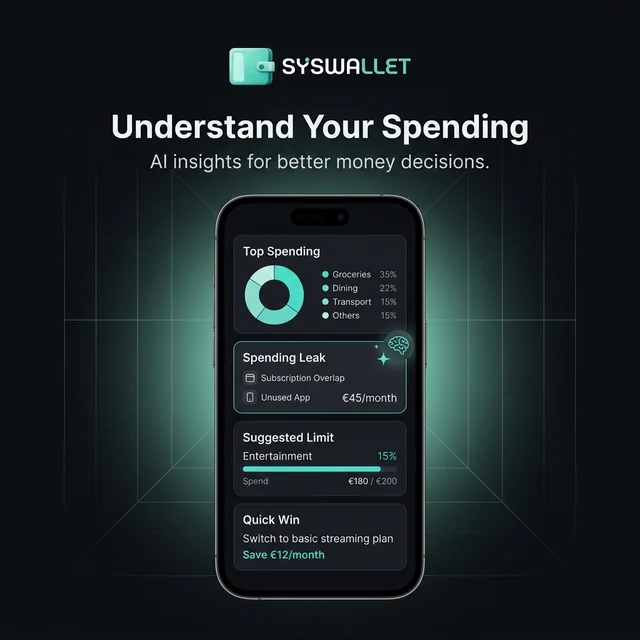
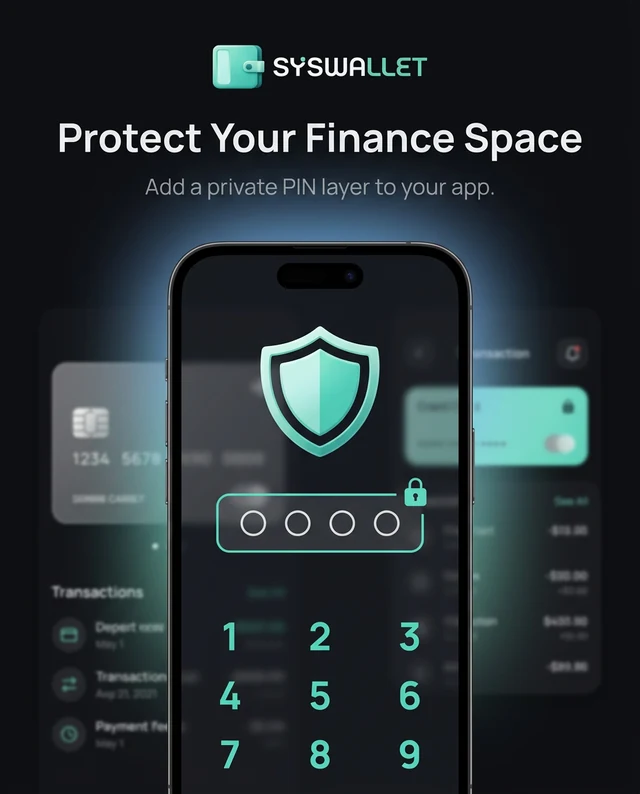
Promotional artwork from Google Play. Screens may vary by release; figures are illustrative.
Explore spending patterns, category breakdowns, and suggested budget limits based on your records.
Illustrative figures and suggestions only. These are not customer results or guaranteed savings.
Across 8 categories this month.
Strong — healthy cash flow.
Reduce dining to save 1,800 EGP per month.
Net positive for the month.
No clutter. Just clean, intuitive money management that fits your life.
Full Arabic & English support with proper RTL layout — built for the region.
Smart analysis, receipt scanning, and voice entry make tracking effortless.
Your data stays personal. Built for everyday use, not enterprise complexity.
Explore SysWallet in guest mode and see how easy managing your money can be. Create an account later to unlock AI features and data sync.
Download & Explore